10 Ways AI Infographic Generators Are Making Visual Content Easier Than Ever
Ten concrete ways AI infographic tools shorten the path from a spreadsheet or rough notes to a clear visual, plus where human judgement still matters.
- Added
- Reading length3 min
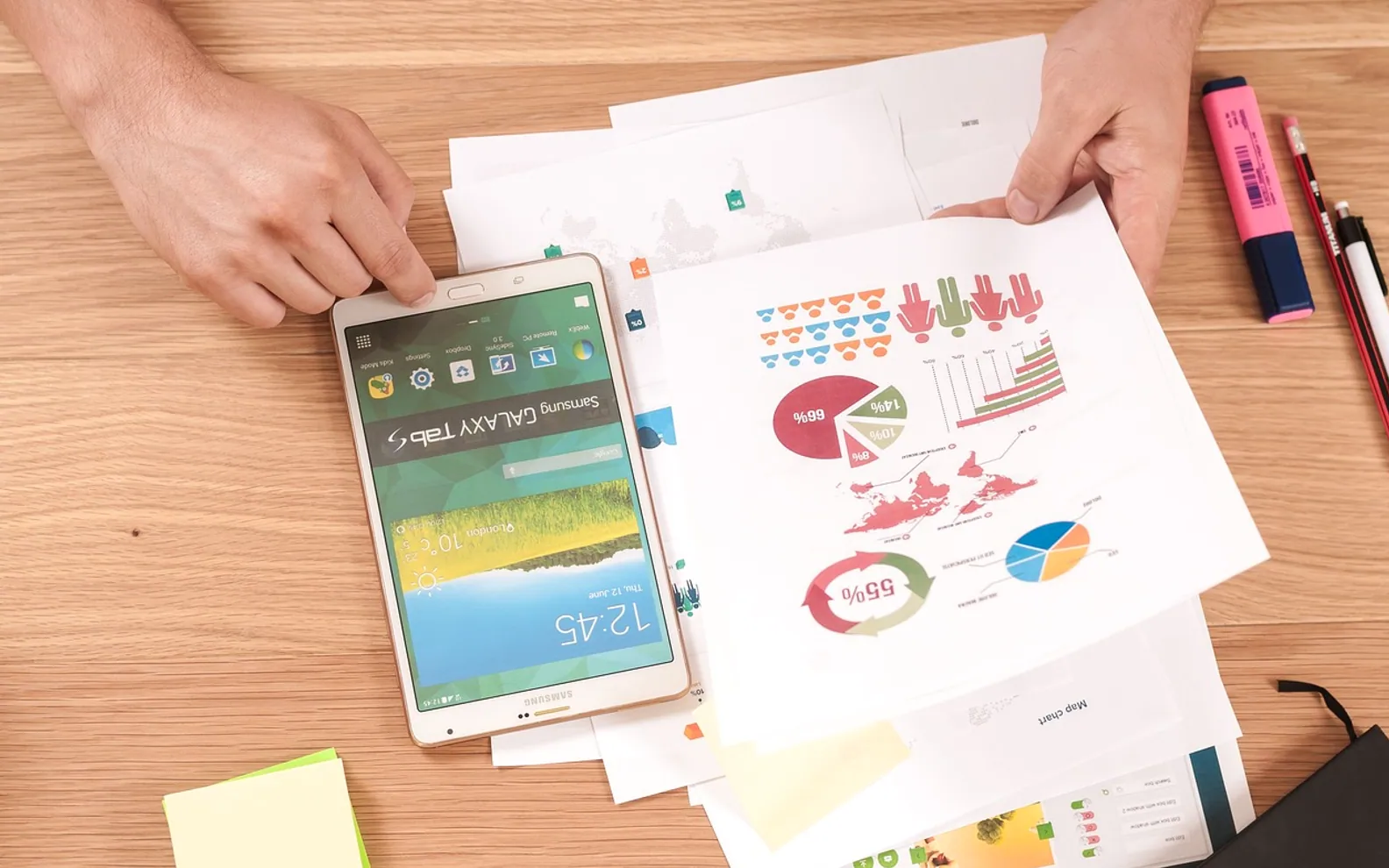
Most infographics start life as something unglamorous: a column of figures, a page of meeting notes or a process that only one colleague fully understands. The hard part has never been the idea. It has been the hours between "we should show this visually" and a finished file that looks tidy on a slide, a blog post and a phone screen. AI-assisted design tools have shortened that gap considerably, and the gains show up in ten fairly specific places.
Getting from nothing to a first draft
- The blank canvas disappears. A short prompt or a pasted outline is enough to produce a starting layout, which means the first conversation is about edits rather than about where to begin.
- Structure is suggested, not invented from scratch. Timelines, comparisons, step sequences and ranked lists each have conventions. Good tools recognise which one the content resembles and propose a matching arrangement.
- Raw numbers become charts without a detour. Instead of exporting from a spreadsheet, building a chart elsewhere and pasting it in, the figures can be dropped in directly and turned into bars, pies or icon arrays.
Making design skills less of a bottleneck
- Hierarchy is handled sensibly. Headline size, spacing and the order in which the eye travels are areas where untrained designers often struggle. An AI infographic generator gives non-designers a balanced composition to refine, so marketers, teachers and analysts can produce something presentable on their own.
- Icons and illustrations match each other. Mixing clip art from five sources is a classic giveaway of a rushed graphic. Generated sets tend to share line weight and style.
- Colour choices stay readable. Many tools check contrast and suggest palettes that remain legible for viewers with colour vision differences, something that is easy to forget under deadline pressure.
Saving time on the repetitive parts
- Resizing stops being a chore. One graphic often needs a tall version for social feeds, a wide one for presentations and a square one for newsletters. Automatic reflow handles most of that.
- Brand rules are applied once. Fonts, colours and logo placement can be stored and reused, so a series of graphics keeps a consistent look even when several people make them.
- Revisions are quicker. Changing a figure or reordering steps no longer means nudging every element by hand; the layout adjusts around the edit.
- Variations are cheap to test. Producing two or three alternative versions for a team to compare takes minutes, which encourages experimentation instead of settling for the first acceptable result.
Jobs that still need a human eye
None of this removes the need for editorial judgement. A tool can arrange information neatly, but it cannot decide which point matters most to a particular audience, and it will happily visualise a number that is out of date or taken out of context. Checking every figure against its source, trimming text until each panel says one thing, and asking whether the graphic answers a real question remain human tasks.
It also pays to review the output with fresh eyes before publishing. Generated layouts occasionally crowd labels, pick an icon with the wrong connotation or imply a trend the data does not support. A quick read-through by someone who did not build the graphic catches most of these slips.
Used this way, AI tools shift effort away from alignment and resizing toward the parts of the work that actually influence understanding: choosing the message, getting the facts right and presenting them honestly. For small teams in particular, that trade is what makes regular visual content realistic rather than an occasional luxury.
Tell us what you think.
We read every message.