Energy Vampires: Finding the Gadgets That Draw Power While Switched Off
Energy vampires keep drawing power in standby. Learn which devices cause phantom loads, how to find them room by room and which ones to leave plugged in.
- Added
- Reading length4 min
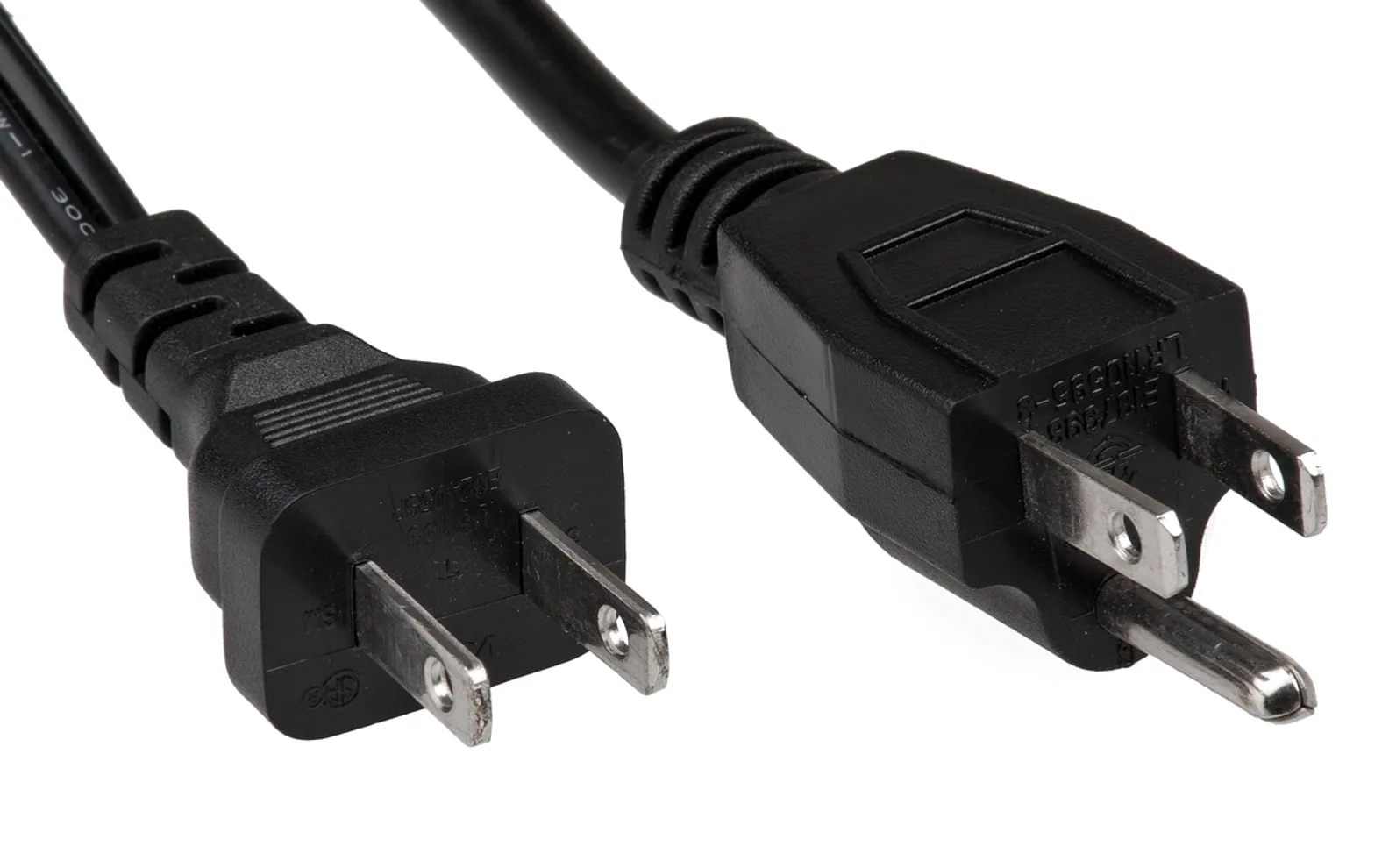
Energy vampires are electrical devices that keep using power when they look switched off or are sitting idle. The draw from each one is usually small, but it runs every hour of every day, so a house full of them adds a steady, invisible line to the electricity bill. The fix is rarely complicated: find the worst offenders, change a few settings and cut power to the gadgets that do not need it.
What counts as an energy vampire?
You will also see the terms standby power, phantom load and vampire power. They all describe the same thing: electricity consumed by a device that is not actively doing its main job. Some of that draw has a purpose, such as keeping a clock running, listening for a remote control or staying ready for a voice command. Some of it is simply wasted by an adapter that stays warm whether or not anything is attached.
The usual suspects
- Televisions and set-top boxes waiting for the remote, especially with quick-start modes switched on.
- Games consoles with instant-on or rest modes that download updates overnight.
- Desktop computers, monitors and speakers left in sleep rather than shut down.
- Printers that sit ready all day for a job that comes once a week.
- Chargers and power adapters plugged in with nothing attached.
- Kitchen appliances with displays, such as microwaves, coffee machines and ovens with clocks.
- Smart speakers and hubs that are always listening.
- An old second fridge or freezer in the garage, which is not standby power but often runs nearly empty.
How to find them in your home
- Walk through room by room. Look for glowing lights, clocks and displays on devices nobody is using. Note anything with a remote control.
- Feel the adapters. A plug or power brick that is warm with nothing connected is drawing power. Unplug it carefully if it feels hot and stop using it.
- Use a plug-in power meter. These inexpensive devices sit between the socket and the appliance and show how much it uses in standby and in use. Testing a few suspects gives you real numbers for your own home.
- Try a meter-reading test. Before bed, switch off everything you reasonably can, note the electricity meter reading, then check it again in the morning. What remains is the background load of the household, including the fridge and anything that must stay on.
- Check device settings. Many televisions, consoles and computers have an energy-saving or power menu that controls standby behaviour.
Ways to cut the drain
| Device | Simple fix |
|---|---|
| TV, soundbar, streaming box | Put them on one power strip and switch it off at night; disable quick-start modes |
| Games console | Choose the energy-saving power mode instead of rest or instant-on |
| Computer and monitor | Shut down at the end of the day and set short sleep timers |
| Printer and scanner | Switch off at the socket when not in use |
| Phone and laptop chargers | Unplug once devices are charged |
| Second fridge or freezer | Empty it and switch it off if it is not really needed |
Power strips and smart strips
A strip with a switch lets you cut power to a whole entertainment corner in one move. Advanced or "smart" strips go further: when a main device such as the television is switched off, they cut power to the accessories plugged into the controlled sockets. Smart plugs with timers can do something similar for a single appliance, though they draw a small amount of power themselves, so they make most sense on devices with a meaningful standby load.
Replace, but only when the time comes
Newer electronics often use less power in standby than older models. That is a good reason to check energy information when you are already buying a replacement, but not usually a reason to throw out equipment that still works, since the purchase can outweigh the savings.
What you should leave plugged in
Cutting standby power should never compromise safety or comfort. Keep these connected:
- Fridges, freezers and anything storing food or medicine
- Medical equipment and mobility aids
- Smoke and carbon monoxide alarms wired to the mains
- Security systems, and the internet router if alarms or cameras rely on it
- Heating controls, boilers and water heaters, unless their instructions say otherwise
- Devices that lose important settings or need overnight updates for security
Use power strips within their rated load, avoid plugging one strip into another, and replace any adapter that is damaged, discoloured or unusually hot.
Common questions
Is it really worth unplugging phone chargers?
A single modern charger left in the wall draws very little. The habit pays off more when it is part of a wider routine that also covers larger standby loads such as entertainment systems and computers.
How much can taming energy vampires save?
It depends entirely on which devices you have, how old they are and what your electricity costs. A plug-in meter and your own bill are the best guides. Standby savings are one part of a bigger picture; the full guide on how to lower your electric bill covers heating, cooling and appliances, where the larger savings usually lie.
Does this help with other household savings?
The same approach of auditing small, recurring costs works across the budget. The money saving tips everyone should know apply the idea to subscriptions and renewals, and the money saving challenges guide shows how to turn small savings into a deliberate goal.
Tell us what you think.
We read every message.